What is an AI PDF form filler?
▼
An AI PDF form filler is a tool that uses artificial intelligence to automatically detect every fillable field in a PDF and fill it with the data you provide. Unlike traditional fillers that require manual field mapping, an AI form filler understands the document structure and maps your information to the correct fields using context and label meaning.
How does AI PDF form filling work?
▼
DocuQueue's AI analyzes your PDF to detect all fillable fields, including text fields, checkboxes, dropdowns, and radio buttons. You provide information in natural language or structured data. The AI maps each value to the correct field based on the field's label and surrounding context, not just its position on the page.
Can AI fill non-fillable PDFs?
▼
DocuQueue works with fillable PDFs (AcroForm). If your PDF is a flat scan or image, you'll need to convert it to a fillable format first. However, DocuQueue can detect and work with most government forms, tax documents, and business templates that already have fillable fields built in.
Is AI PDF form filling accurate?
▼
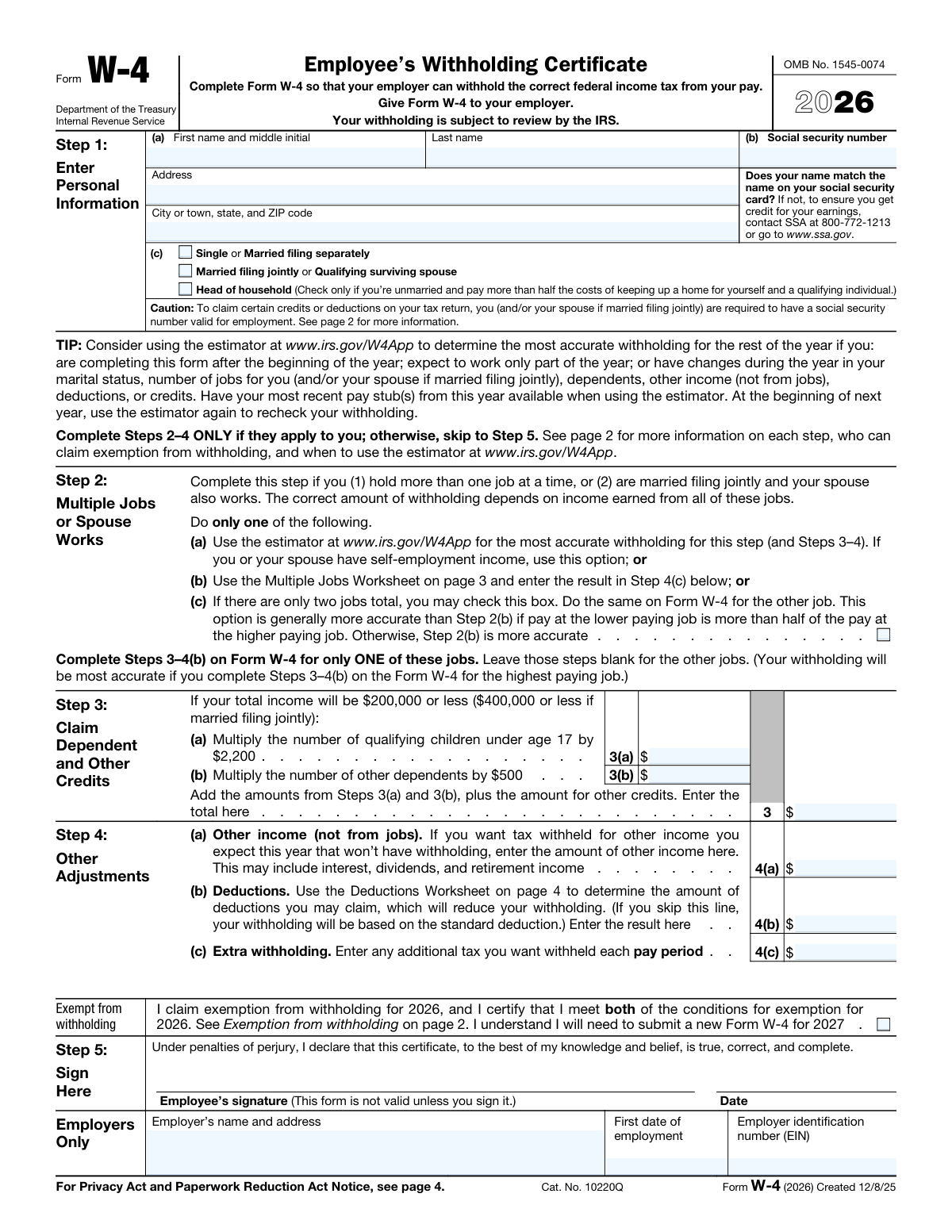
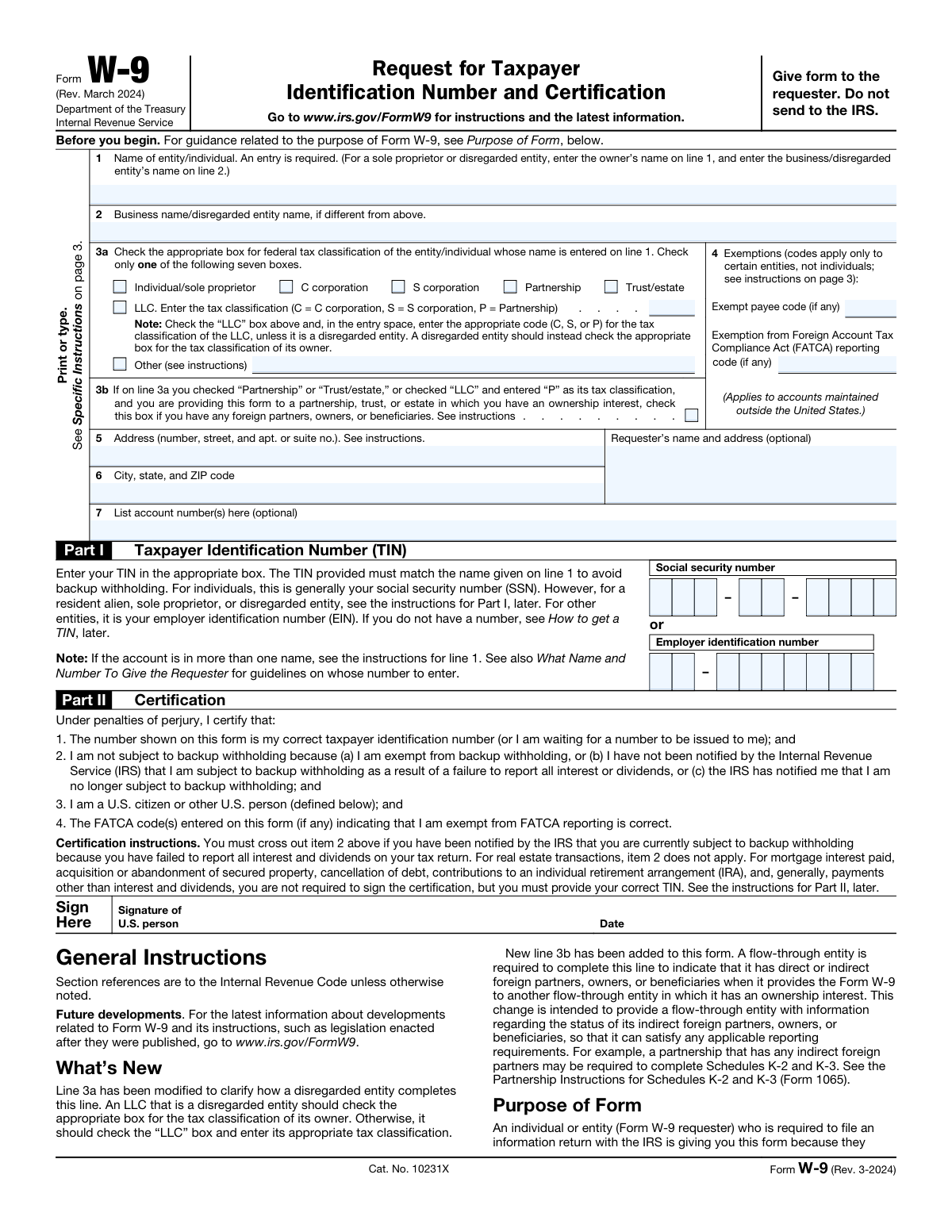
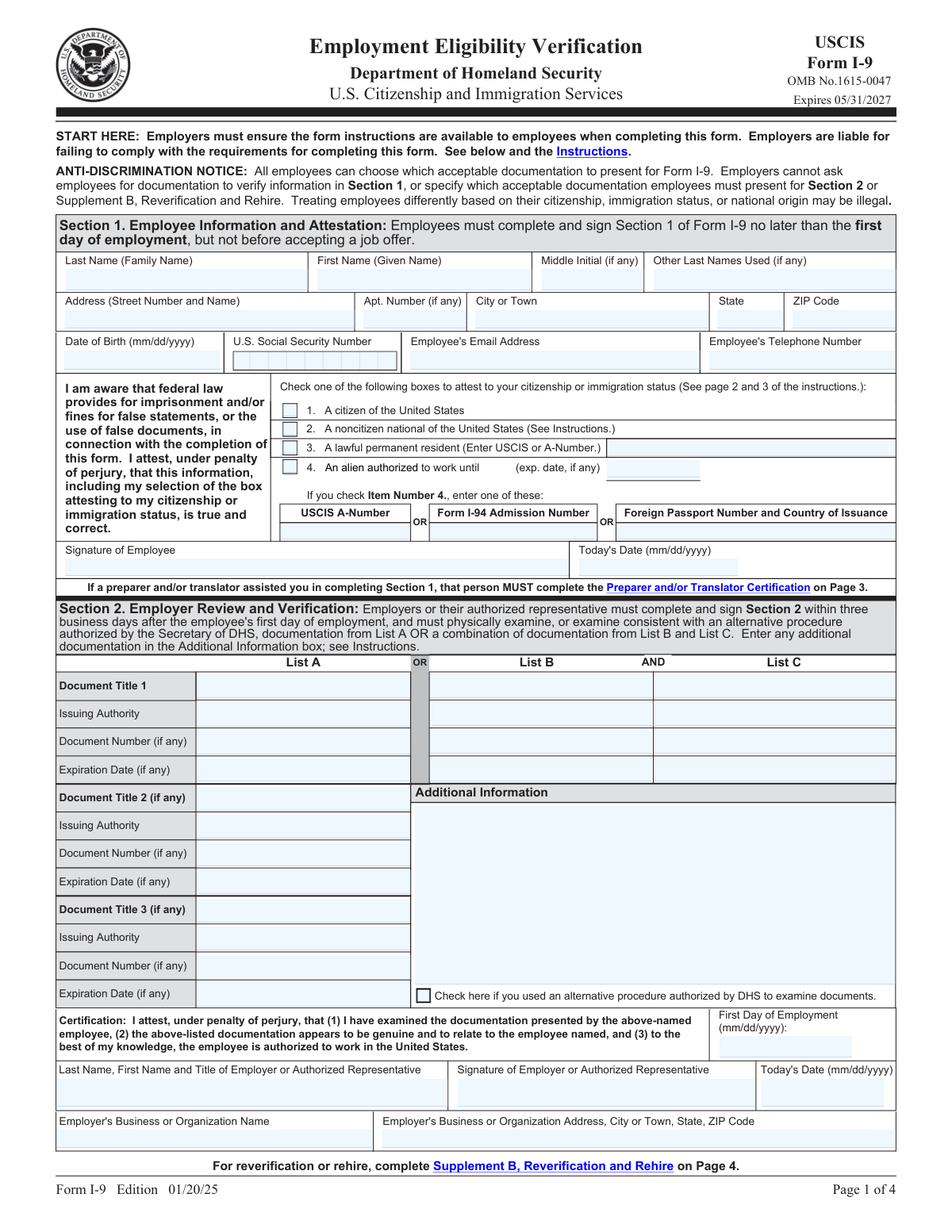
Yes. DocuQueue's AI uses context-aware field mapping, meaning it understands what each field is for based on its label and surrounding text. This makes it highly accurate for standard forms like W-9, W-4, I-9, contracts, and lease agreements. You can always review the filled form before downloading.
Do I need coding skills to use AI PDF form filling?
▼
No. DocuQueue's AI PDF form filler is designed for business users, not developers. Simply upload your PDF, enter the information you want to fill in using natural language, and download the completed form. No coding, no API calls, no technical setup required.
What makes DocuQueue different from other PDF fillers?
▼
Most PDF fillers require you to manually map fields or use complex desktop software. DocuQueue uses AI to auto-detect every field, works in any browser, and lets you provide data in natural language. No installation, no manual field mapping, no learning curve.
What types of PDF forms can I fill with AI?
▼
Any fillable PDF: W-9, W-4, I-9, 1099, contracts, lease agreements, insurance forms, applications, and more. DocuQueue supports over 48 field types including text fields, checkboxes, radio buttons, dropdowns, and date fields.
Can I fill the same form multiple times with different data?
▼
Yes. Upload the same PDF template once and fill it with different data as many times as you need — perfect for generating multiple contracts, invoices, certificates, or offer letters from a single source file. Each fill costs one credit, and you never have to re-upload or reconfigure the template between fills. For many records at once, use batch processing with a CSV to generate up to 50 forms per request.
Is my data secure when using AI to fill PDFs?
▼
Yes. All data is encrypted at rest and in transit. DocuQueue never stores your filled documents after processing. Your PDFs are deleted immediately after download. The platform is GDPR compliant and uses bank-level encryption.
Is there a free tier for AI PDF form filling?
▼
Yes. Every new account starts with 5 free credits, then 25 credits per month after email verification — no credit card required. Each credit fills one document, so the free tier covers real form-filling work, from single W-9s to small batches. When you need more capacity, higher batch limits, or enterprise throughput, upgrade to a paid plan. You can cancel or change plans at any time.
Can I batch fill multiple PDF forms at once?
▼
Yes. Upload a CSV with multiple records and generate hundreds of filled PDFs in one batch. DocuQueue can process up to 50 forms per request and scales to 10,000 PDFs per hour for enterprise workflows.
Can I fill out a PDF form for someone else?
▼
Yes. Many users fill forms on behalf of clients, employees, or tenants — an HR coordinator completing a new hire's W-4, an agency submitting a tenant application, or a bookkeeper finishing a contractor's W-9. Enter the other person's information exactly as they provided it, review the completed PDF for accuracy, and send it to them to review and sign. One credit per filled form, same as filling for yourself.
Is there an AI form filler online I can use for free?
▼
Yes. DocuQueue is a free online AI PDF form filler. Upload any fillable PDF, describe what to fill in natural language, and download the completed form. No software to install, no credit card required. Free tier includes 25 credits.
Does DocuQueue have a Chrome extension for PDF form filling?
▼
DocuQueue is a browser-based web application that works in Chrome and any modern browser. No extension needed. Just visit the site, upload your PDF, and start filling forms with AI. Works on desktop and mobile.
Is there a free AI PDF form filler?
▼
Yes. DocuQueue offers a free tier with 25 credits, enough to fill up to 50 PDF forms. No credit card required. The AI auto-detects fields and maps your data automatically. Upgrade when you need more volume.
Can I use AI to fill Google Forms?
▼
DocuQueue specializes in filling PDF forms, not Google Forms. For PDF form filling, DocuQueue's AI auto-detects fields and lets you provide data in natural language. If you need to fill Google Forms, you would need a different tool focused on that platform.
What are AI agents for document automation?
▼
AI agents for document automation are software tools that use artificial intelligence to automatically process, fill, and route documents. DocuQueue's AI agents can detect form fields, fill PDFs with data from any source, and integrate with your existing workflows via API, webhooks, or automation platforms like Zapier and n8n.
How do I automate PDF form filling for my enterprise?
▼
DocuQueue offers multiple ways to automate PDF form filling: REST API for custom integrations, webhooks for event-driven workflows, Zapier/n8n for no-code automation, and MCP for AI-powered document processing. Process thousands of forms per hour with enterprise-grade reliability.
What is AI form filler software?
▼
AI form filler software uses artificial intelligence to automatically detect and fill form fields in documents. DocuQueue is a cloud-based AI form filler that works in your browser. No installation required. Upload any fillable PDF and the AI detects all fields, then fills them based on your input.
How is DocuQueue different from Instafill AI?
▼
DocuQueue is a cloud-based AI PDF form filler that works in any browser. It auto-detects fields using AI, supports natural language input, and offers batch processing. No software installation required. Free tier included with 25 credits.
Where can I find AI form filler examples on GitHub?
▼
DocuQueue provides code examples and API documentation for developers. Visit
github.com/docuqueue for integration examples in Python, JavaScript, cURL, and more. The AI form filling feature is available through the web interface with no coding required.
Can AI fill out forms for me?
▼
Yes. DocuQueue's AI PDF filler reads any fillable PDF, detects every field, and fills it from your natural-language description. Type instructions like "My name is Jane Smith and my address is 123 Main St" and the AI maps each value to the correct field. You review the completed form and download it — no manual clicking, no field mapping. Free to start with 25 credits.
Is there a free AI form filler?
▼
Yes. DocuQueue is a free AI form filler. Every new account starts with 5 free credits and gets 25 credits per month after email verification — no credit card required. That is enough to fill in PDFs end to end: upload a form, let AI detect the fields, describe your data in plain language, and download the completed PDF. Upgrade only when you need more volume or batch processing.
Can I bulk-fill I-9 and W-4 forms for new hires?
▼
Yes. Upload your I-9 and W-4 as templates, put one row per new hire in a CSV or Excel file, and run a batch fill — up to 50 forms per request. DocuQueue produces one completed PDF per new hire per form, ready for E-Verify, payroll, and benefits enrollment, with a ZIP download of the whole batch. Enterprise workflows scale to 10,000 PDFs per hour.