What is a PDF form filling API?
▼
A PDF form filling API is a REST endpoint that programmatically fills fillable PDF forms. You upload a PDF template, send field values as JSON, and receive a completed PDF. DocuQueue's API auto-detects all AcroForm fields and supports batch processing.
How to fill a PDF form with Python?
▼
Use the requests library to call DocuQueue's REST API. Upload your PDF template, then POST a JSON payload mapping field names to values. The API returns a filled PDF. No Python PDF libraries needed.
How to auto-fill PDF forms programmatically?
▼
DocuQueue auto-detects all fillable fields in your PDF. Upload the template, call the detect endpoint to discover field names and types, then submit a JSON payload with the field values. The API handles text fields, checkboxes, radio buttons, dropdowns, and signature fields.
What makes DocuQueue different from other PDF fillers?
▼
Most PDF fillers require manual field mapping or complex desktop software. DocuQueue auto-detects fields, works via REST API from any language, and supports batch processing. No installation, no field mapping, no learning curve. View the source code and examples on
GitHub.
What if my PDF is not a fillable form?
▼
DocuQueue works with any fillable PDF (AcroForm). If your PDF is a flat scan or image, you will need to convert it to a fillable format first. Most government forms, tax documents, and business templates are supported out of the box.
Is my data secure?
▼
Yes. All data is encrypted at rest and in transit. We never store your filled documents after processing. Your PDFs are deleted immediately after download. We are GDPR compliant and use bank-level encryption.
Can I fill the same PDF template multiple times?
▼
Yes. Upload the same PDF template and fill it with different data each time. This is ideal for generating multiple contracts, invoices, or certificates from a single template.
Can I batch fill multiple forms?
▼
Yes. Upload a CSV with multiple records and generate hundreds of filled PDFs in one batch. Up to 50 forms per request, scaling to 10,000 PDFs per hour.
Can DocuQueue fill ACORD insurance forms?
▼
Yes. ACORD forms (125 commercial applications, 27/28/28A/28B, 101, and most others) are standard fillable AcroForms. Upload the form as a template, auto-detect fields, and fill with policy data via the API or batch endpoint. No insurance-specific integration required.
How do I fill PDF forms with Ruby, Go, or PHP?
▼
Any language that can make HTTP requests works — the API is plain REST. Ruby: Net::HTTP or HTTParty. Go: net/http. PHP: curl. Same three steps everywhere: upload the template, POST JSON field values, download the filled PDF.
How much does the PDF filling API cost?
▼
DocuQueue offers a free tier with 25 credits (enough for 25 form fills). No credit card required. Paid plans start at $9/month for 250 credits. Enterprise pricing with dedicated infrastructure is available for high-volume needs.
What types of forms can I fill?
▼
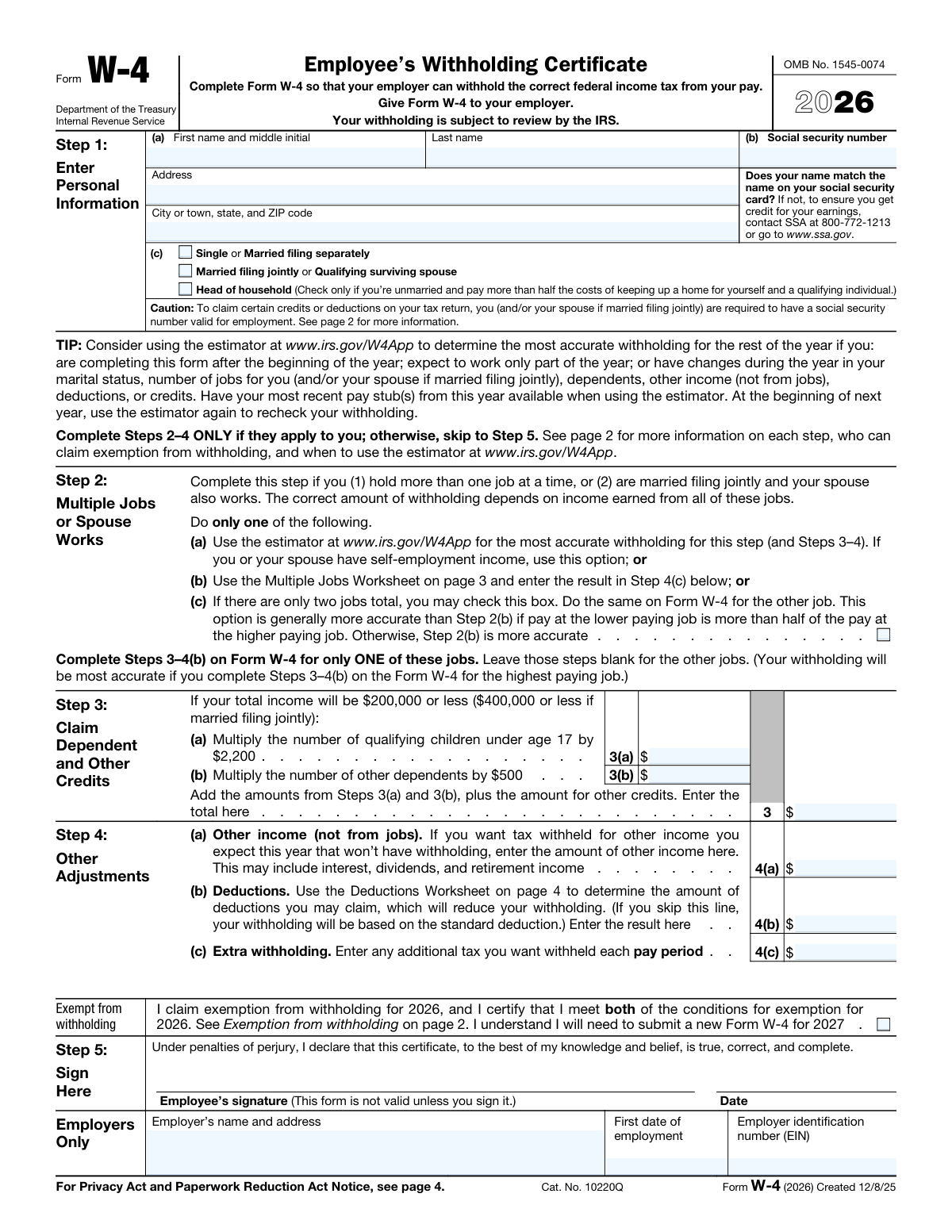
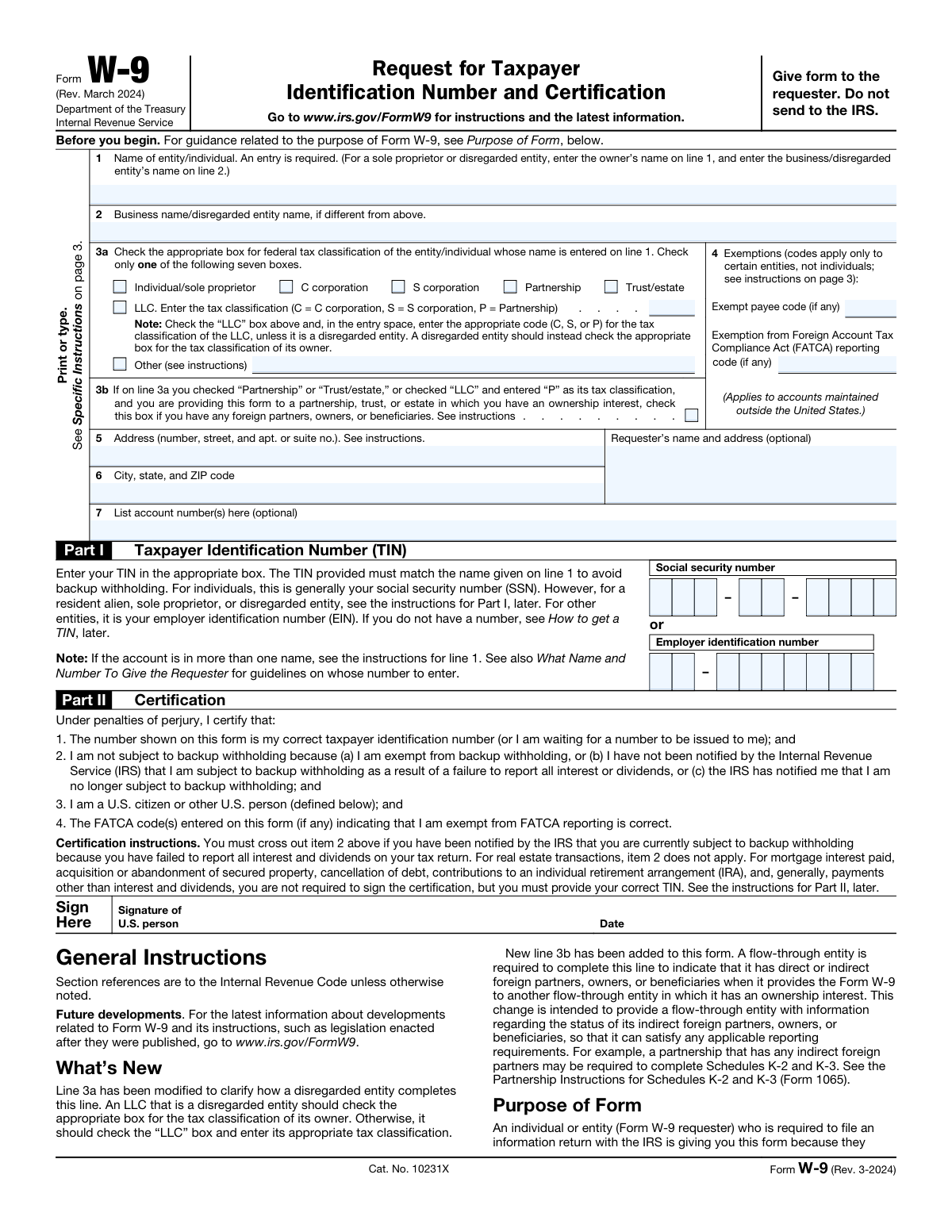
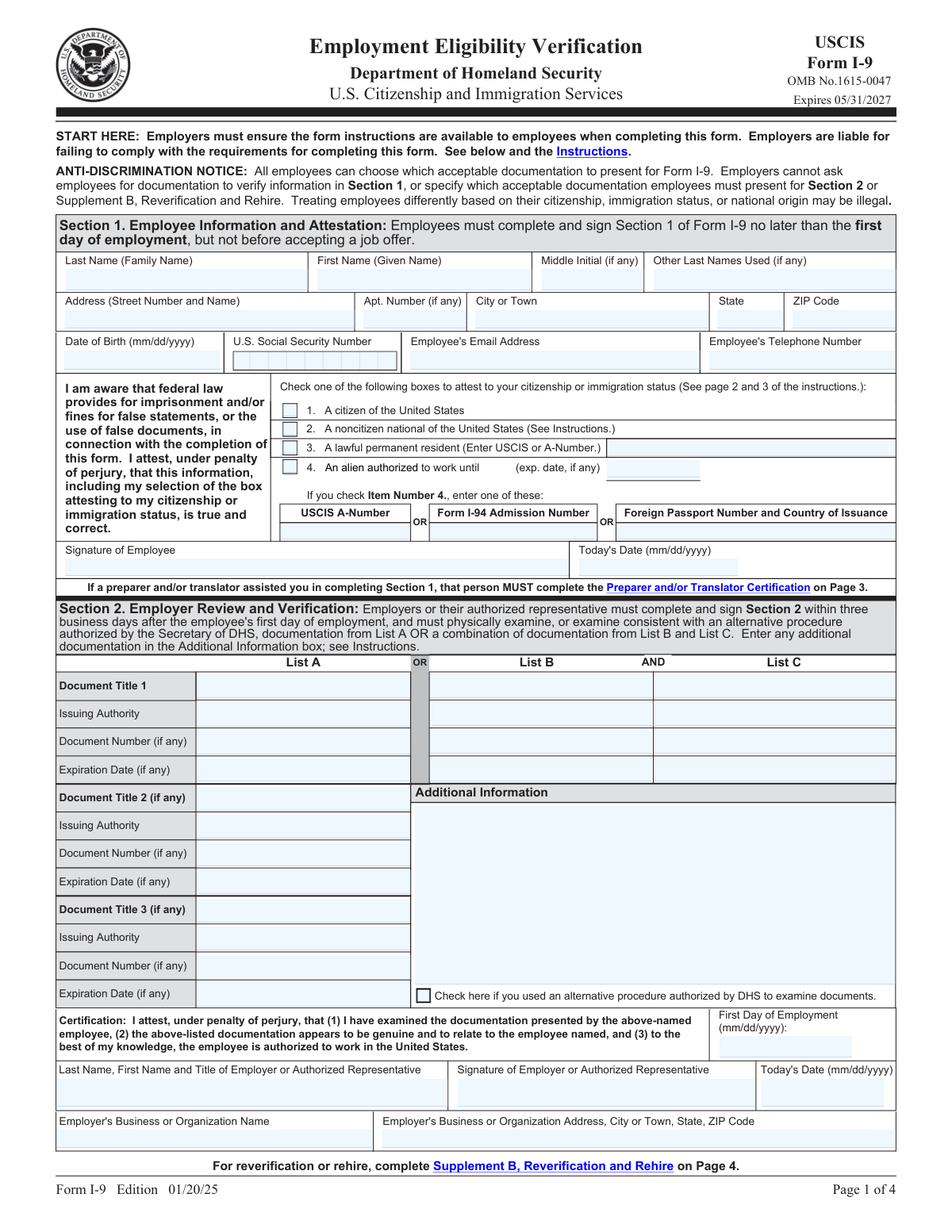
Any fillable PDF: W-9, W-4, I-9, 1099, contracts, lease agreements, insurance forms, and government documents. The API supports AcroForm and XFA formats with over 48 field types.
Does the API support webhook callbacks?
▼
Yes. Configure a webhook URL to receive notifications when documents are processed. This integrates with automation workflows, CI/CD pipelines, and backend systems that need async PDF generation.
Do I need to install anything?
▼
No. DocuQueue is a hosted REST API. No software to install, no plugins required. Just make HTTP requests from any language or tool.
Can I use this API to build AI agents for document automation?
▼
Yes. DocuQueue's API is designed for AI agent integration. Use the REST API, webhooks, or MCP to build AI agents that automatically detect fields, fill forms, and route documents. Works with LangChain, AutoGPT, and custom AI workflows.
How do I automate PDF form filling for my enterprise?
▼
DocuQueue offers multiple integration options: REST API for custom apps, webhooks for event-driven workflows, Zapier/n8n for no-code automation, and MCP for AI-powered processing. Process thousands of forms per hour with enterprise-grade reliability.
Does the PDF fill API work with legacy systems?
▼
Yes. DocuQueue's PDF fill API is a standard REST API that works with any programming language or legacy system. No SDK required — just HTTP POST requests. Works with COBOL-based systems, mainframes, and any stack that can make HTTP calls.
How do I programmatically fill PDF forms at scale?
▼
Use DocuQueue's batch endpoint to fill up to 50 forms per request. Upload a CSV with your data, and the API generates filled PDFs for each row. Process thousands of forms per hour with webhook callbacks for async workflows.
What is the best PDF form filler SDK for developers?
▼
DocuQueue works as a PDF form filler SDK for any language that speaks HTTP — no native SDK is required.
- Languages: Python, Ruby, and Go are highlighted on this page; the REST API also works with JavaScript, PHP, and cURL.
- The flow: upload your template, auto-detect every AcroForm or XFA field, fill with JSON, and download the completed form.
Which APIs let me programmatically fill PDF forms?
▼
DocuQueue's REST API fills fillable PDFs in three lines of code.
- The call: POST the template to /api/v1/fill with your api-key, send field values as JSON, and download the finished PDF from the response.
- No manual mapping: the detect endpoint auto-discovers field names, types, and positions.
- Works from: Python, Ruby, Go, PHP, cURL, or any HTTP client.
What are the best PDF filling APIs under $500 per month?
▼
Every paid plan on this page sits far below $500 per month.
- DocuQueue: 25 free credits to start, then $9/month for 250 credits.
- Instafill: starts at $29/month.
- Anvil: free plan is $0 with API usage metered at $0.10 per PDF; paid plans from $99/month.
- Higher volume: moves to enterprise pricing with custom volume, dedicated infrastructure, and SLA guarantees.
Which PDF form filling APIs work best for financial services?
▼
Financial-services PDFs are supported as standard fillable AcroForms, with validation and encryption built in.
- Form types: government forms (W-9, W-4, I-9, 1099), ACORD insurance forms (125, 27, 28, 101), contracts, and leases.
- Validation: field type checking and format validation (SSN, phone, dates) catch errors before filling.
- Privacy: all data is encrypted at rest and in transit, and filled PDFs are deleted immediately after processing.
What are the top tools to programmatically fill PDFs?
▼
The comparison on this page covers four tools:
- DocuQueue: auto-detected fields, batch processing up to 50 forms per request, built-in webhooks, and MCP integration on a $9/month starter plan.
- Anvil: starts at $0 + usage.
- Nutrient: priced as enterprise.
- Instafill: starts at $29/month.
Can I fill thousands of PDF forms in a nightly batch job?
▼
Yes. The batch endpoint accepts a CSV or JSON array, fills each AcroForm field against your template, and writes individual PDFs to your storage.
- Scheduling: run it as a nightly job with cron, or trigger it from your CRM or HR system.
- Throughput: typical 500 forms per minute, scaling to 10,000 PDFs per hour.
- Completion: a batch.completed webhook fires when the run finishes.